
Best Desk Lamps for Computer Work: Top 3 Compared
By Mike Rodriguez · September 23, 2026 · 8 min read
This page contains affiliate links. If you buy through them, we may earn a commission at no extra cost to you. As an Amazon Associate I earn from qualifying purchases. Learn more · How we compare
Unlike a monitor light bar, a desk lamp for computer work sits beside the screen rather than clipped to it, which means the things that decide the choice are how it mounts to your desk, how wide a patch it lights, and whether you have to set the brightness yourself or it does that for you. These three span the range from a bulb-your-own gooseneck to a lamp that switches itself between screen and paper work.
Which One Should You Get?
- Best for a tight budget – LEPOWER Metal Desk Lamp with Clamp – the cheapest way to add directional light to a desk, if you don't mind picking your own bulb.
- Best for a wide desk or dual monitors – EppieBasic 24W LED Desk Lamp with Clamp – a wide LED bar that lights a full desk or dual-monitor setup evenly.
- Best for switching between screen and paper work – BenQ e-Reading Desk Lamp – the smart pick that adjusts itself between screen work and paper reading.
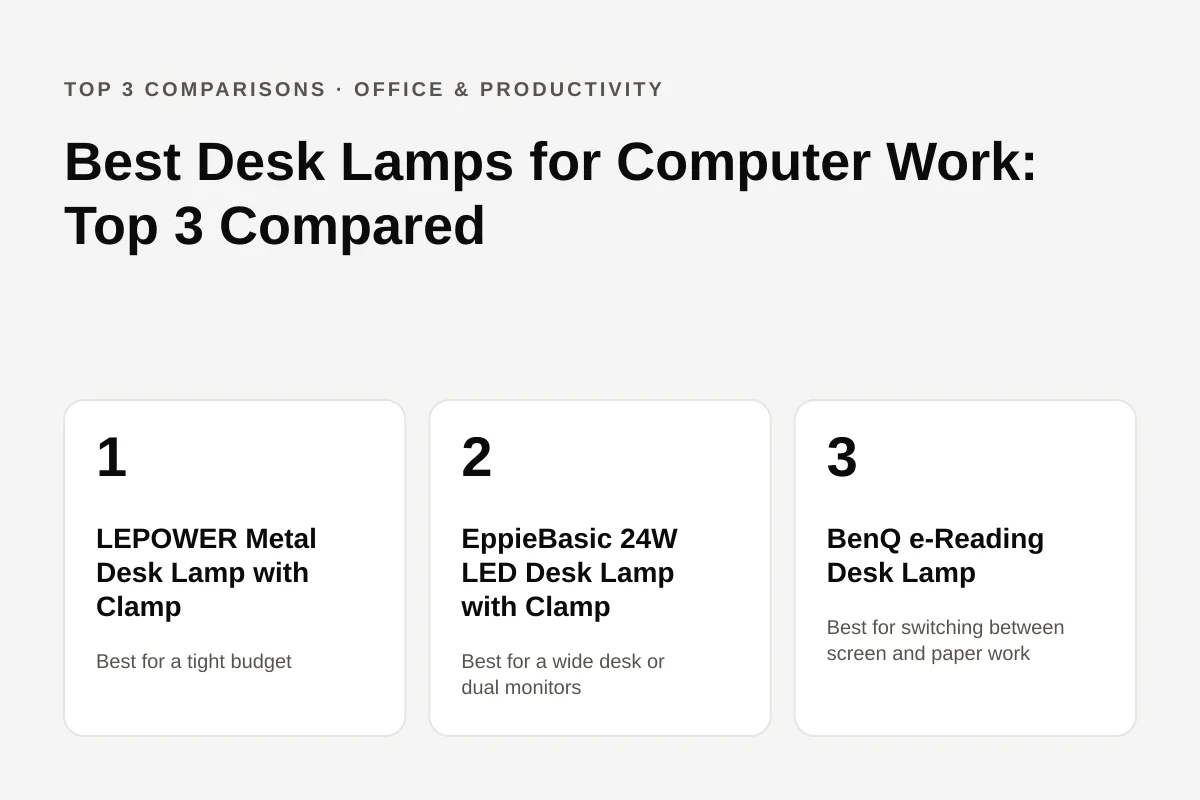
Budget gooseneck, wide bar and self-dimming premium: the three picks side by side
Pros
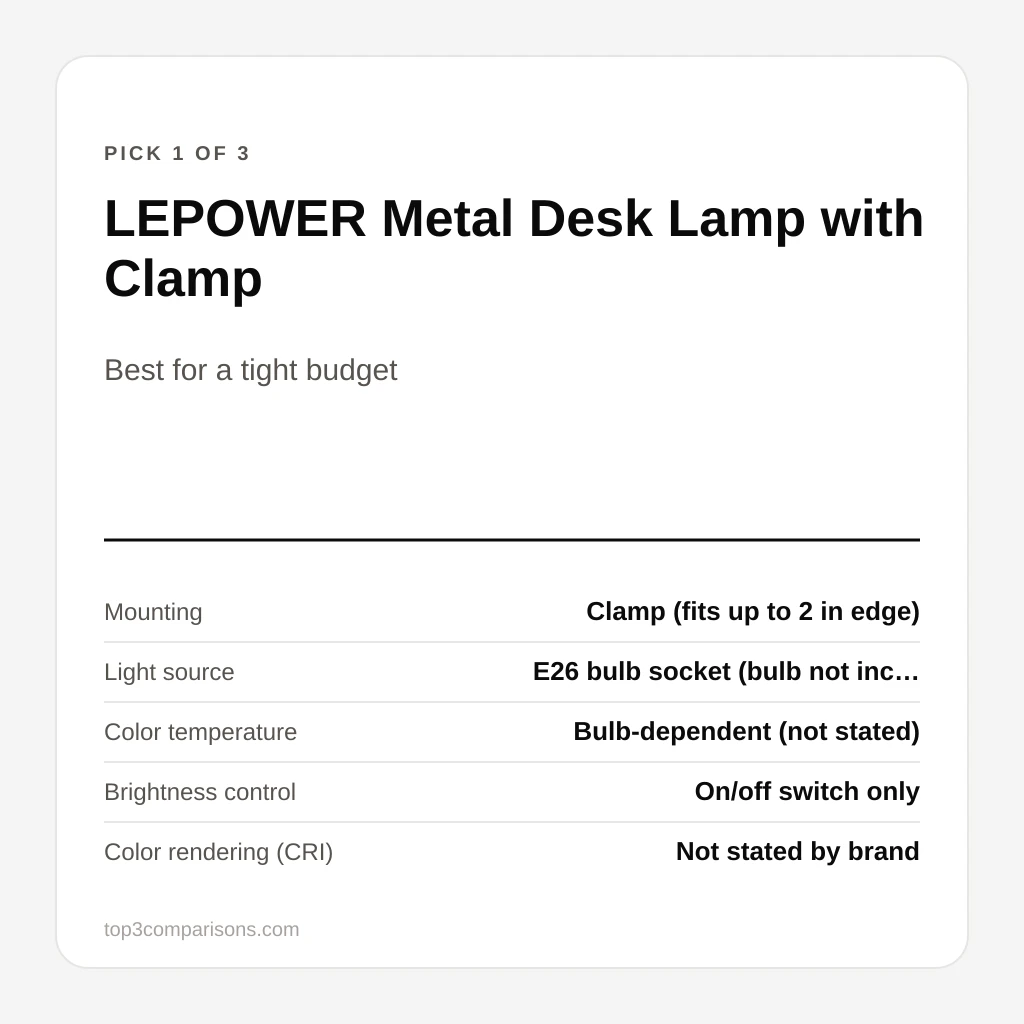
- Full-metal build with a clamp and weighted base at a budget price
- Flexible gooseneck and swing arm aim light exactly where you need it
- Simple on/off switch with nothing to configure
- E26 socket lets you pick your own bulb brightness and color
- A Reddit-sourced roundup calls it a strong value at this price point
Cons
- No dimmer: brightness only changes by swapping the bulb
- Bulb not included, which adds a cost and a trip
- Clamp tops out at 2 inches, the narrowest of the three
- Some owners report the arm losing stability fully extended
Unique Features & Insights
Pros
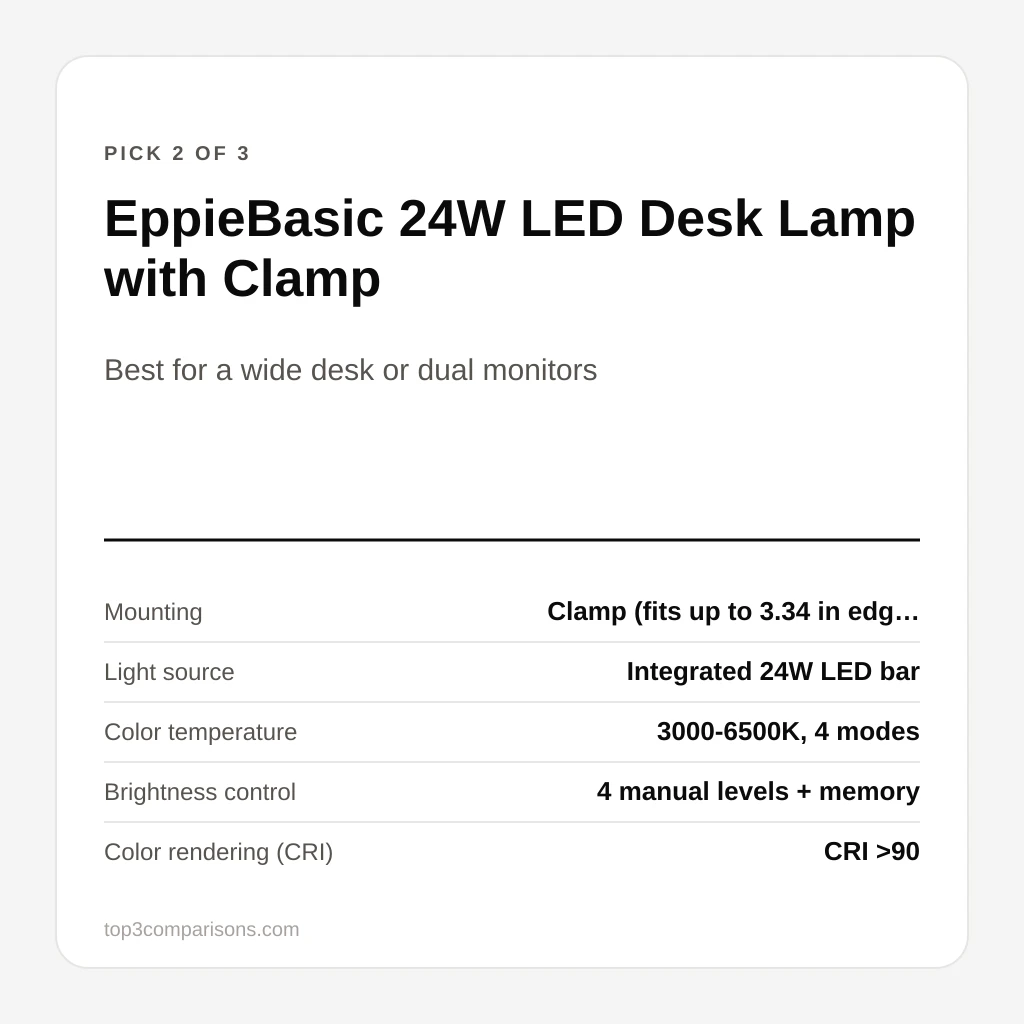
- 31.5-inch LED bar lights a full desk or dual-monitor setup evenly
- Clamp fits desk edges up to 3.34 inches, the widest range here
- 4 brightness levels and 4 color temperatures with a memory function
- An independent analysis of 210 owner reviews rates it 76% positive, with ease of install the standout at 92%
- An independent reviewer found the clamp held firmly and called the build durable
Cons
- No automatic dimming: all 4 levels are set by hand
- Compact/lightweight design was the lowest-scoring theme (81%) in the review analysis
- CRI is rated above 90 but not to BenQ's published 95
- Costs more than the LEPOWER for a lamp that still needs manual setup
Unique Features & Insights
Pros
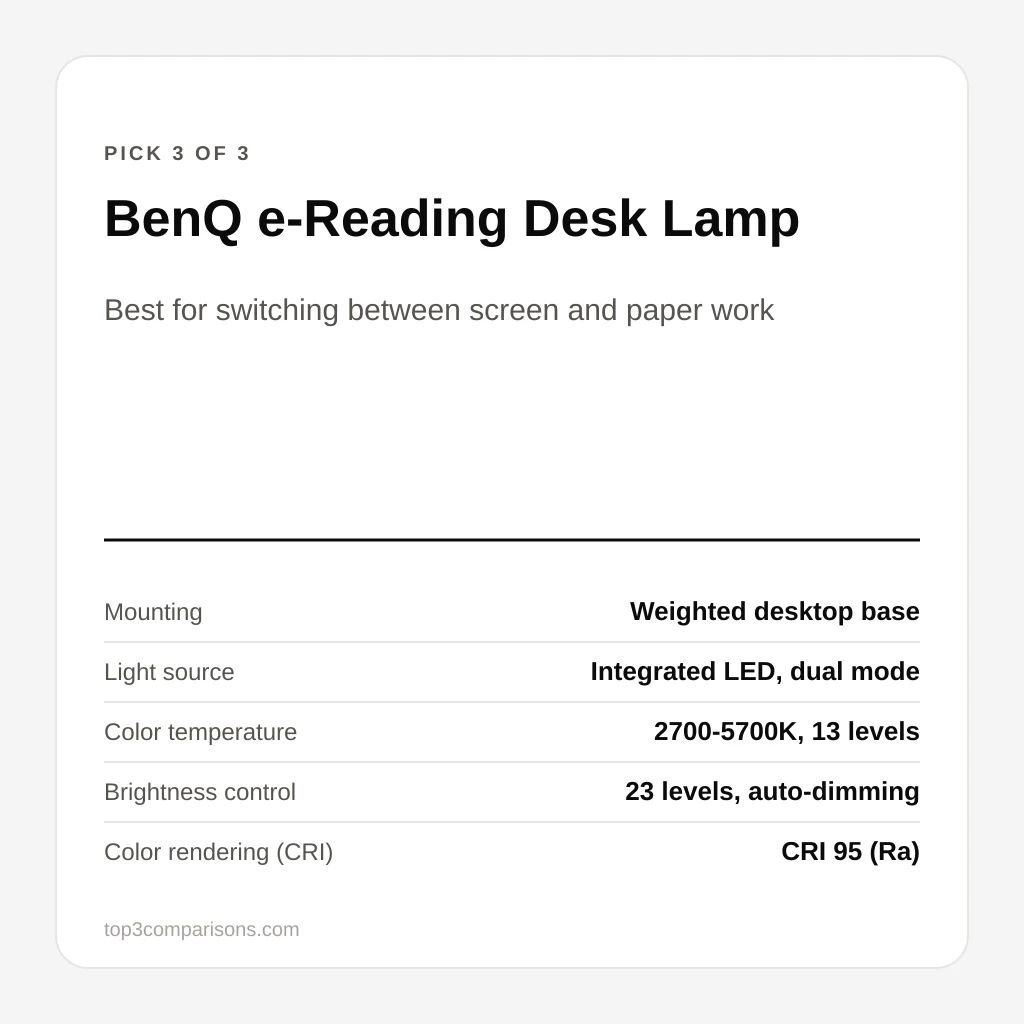
- Dual smart mode switches lux and color temperature between screen and paper work automatically
- Highest color rendering of the three, at CRI Ra 95
- Ambient light sensor adjusts across 23 brightness levels on its own
- Heavy weighted base works on desks too thick or rounded to clamp
- An independent reviewer found the light spread even and never flickered in testing
Cons
- By far the most expensive of the three
- No clamp option, so it takes up desk footprint (59 x 22 cm) instead
- Head tilts within a fixed range (35 to 120 degrees) rather than a full gooseneck
- Single light head, without the EppieBasic bar's wide, even spread
Unique Features & Insights
Final Comparison Table
The mount is the fastest way to narrow this down: if your desk is too thick to clamp, or you'd rather not give up edge space, the weighted-base BenQ is the only one of the three that works. If you clamp and want the widest, most even light across a full desk or dual monitors, the EppieBasic bar is the one the review data backs up. If you just want a cheap, flexible reading light and don't mind picking your own bulb, the LEPOWER is the one to start with. Check current availability through the links above.
Frequently Asked Questions
Do these lamps clamp to the desk, or do they sit on it?
The LEPOWER and the EppieBasic both clamp to the desk edge, at up to 2 inches and 3.34 inches of thickness respectively, which frees up desk space. The BenQ e-Reading lamp instead uses a weighted desktop base with a 59 by 22 cm footprint and has no clamp option, so it needs room on the desk itself but works on an edge too thick or too rounded to clamp.
Do I need to buy a light bulb separately?
Only for the LEPOWER. It uses a standard E26 socket rated for up to a 40W-incandescent-equivalent bulb, or 4 to 6W if you use an LED bulb, and no bulb is included. The EppieBasic and the BenQ both have an integrated LED source, so there is nothing extra to buy.
How wide an area does each one light?
The EppieBasic has the widest spread by design: a 31.5-inch LED bar rated to cover a desk with dual monitors. BenQ's own listing and an independent review both describe roughly 90 cm (about 35 inches) of even coverage from the e-Reading lamp's OVAL-Light design. The LEPOWER is a single gooseneck head aimed at one spot rather than a wide bar, closer to a traditional reading lamp.
Does the brightness adjust automatically?
Only the BenQ does. It has a built-in ambient light sensor that switches between its two modes and adjusts brightness across 23 levels on its own. The EppieBasic has 4 manual brightness levels with a memory function that recalls your last setting, and the LEPOWER has a simple on/off switch with no dimming at all.
Which one has the best color accuracy?
BenQ publishes a CRI of Ra 95, the highest of the three. EppieBasic states CRI greater than 90. LEPOWER doesn't publish a CRI figure at all, because the color rendering depends entirely on whichever E26 bulb you put in it.
Is any of these good for reading paper documents as well as working on a screen?
The BenQ is built for exactly that switch: its e-Reading mode targets 500 lux at 4000K for screen work, and a separate Paper-Reading mode brightens to 1000 lux at 5700K for print. The EppieBasic and LEPOWER don't have a dedicated paper mode, though EppieBasic's 3000-6500K range and LEPOWER's bulb choice can approximate it manually.
New comparisons, straight to your inbox
Get a short email when we publish a new product comparison. No daily noise.
Related Posts
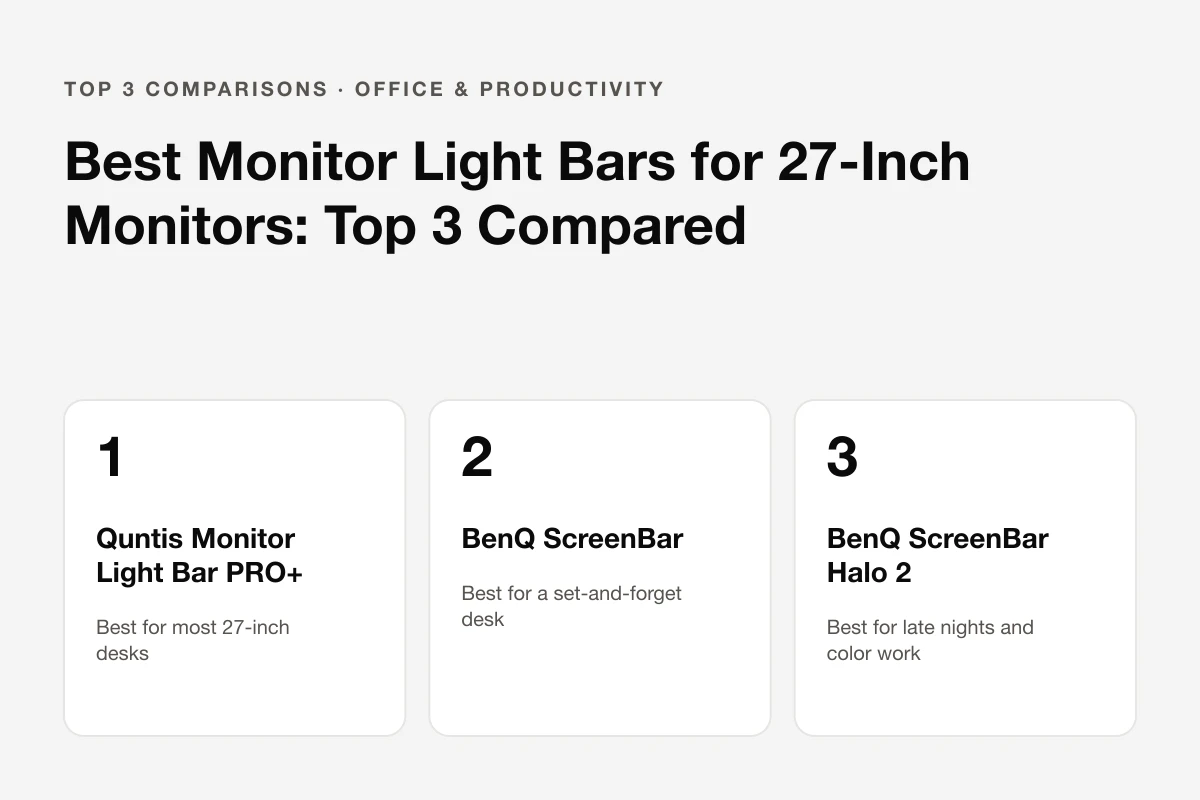
Best Monitor Light Bars for 27-Inch Monitors: Top 3 Compared
A 27-inch monitor needs a bar that clears the bezel, lights the desk instead of the screen, and stays out of the webcam's way. Three models compared: Quntis PRO+, BenQ ScreenBar and BenQ ScreenBar Halo 2.
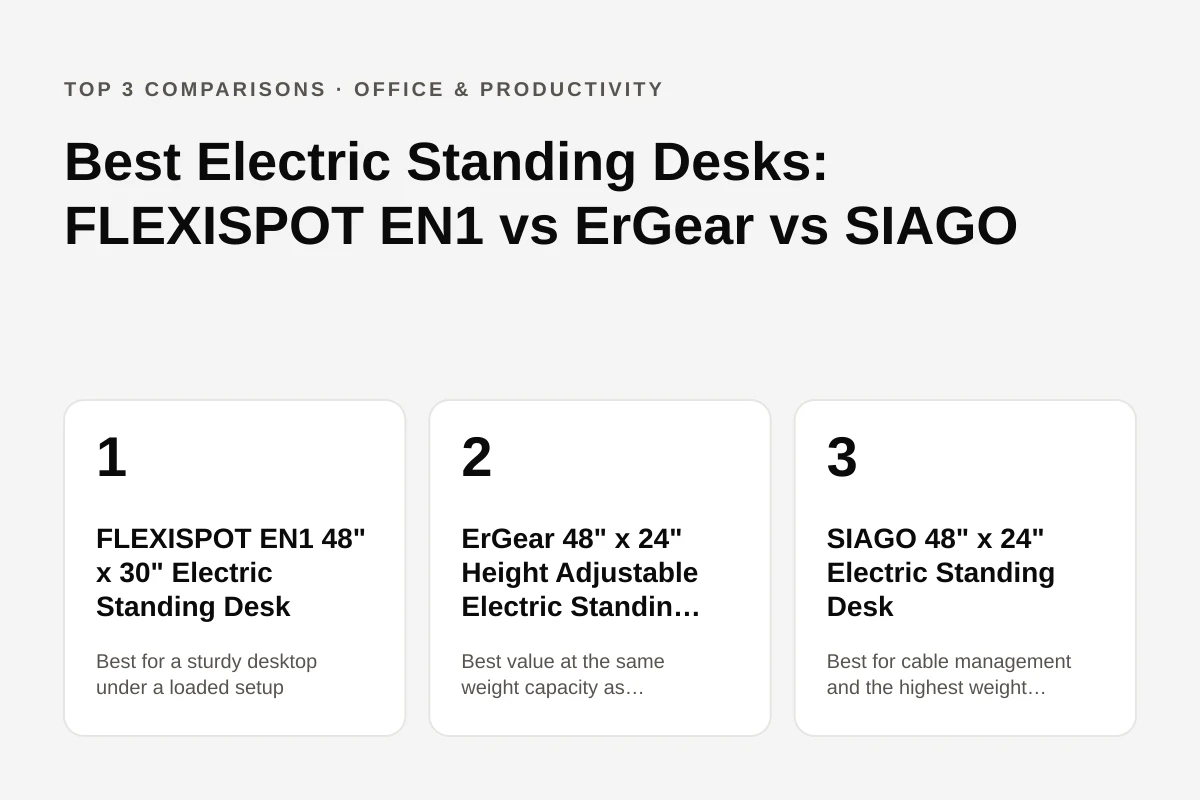
Best Electric Standing Desks: FLEXISPOT EN1 vs ErGear vs SIAGO
Three electric standing desks that solve different problems: FLEXISPOT's one-piece desktop for stability, ErGear's lower price at the same weight capacity, and SIAGO's built-in cable management. Compared on height range, weight capacity, and what independent review analysis says about each one.

Best Travel Backpacks for Women: MATEIN vs Travelpro vs Osprey Fairview
A 19-liter under-seat pack, a 40-liter budget carry-on with a shoe compartment and a 40-liter women's-fit pack with an adjustable torso are compared on size, laptop fit and weight.